Home Screen
Small, Medium and Large, in light, dark, clear or tinted. The everyday home for your widgets.
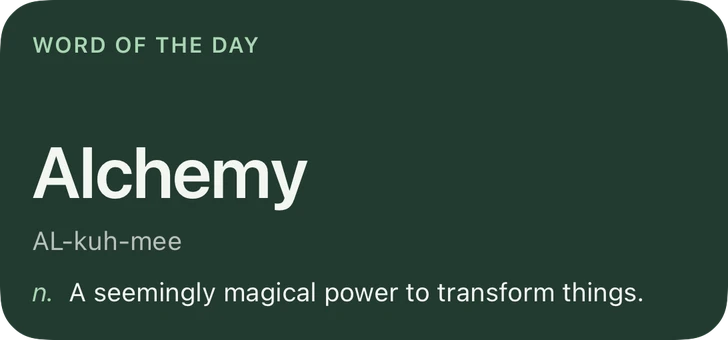
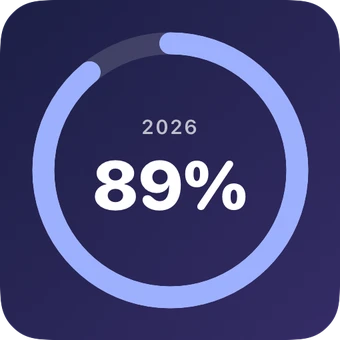
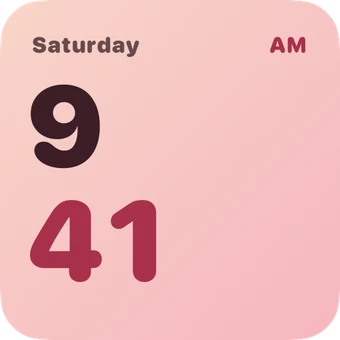
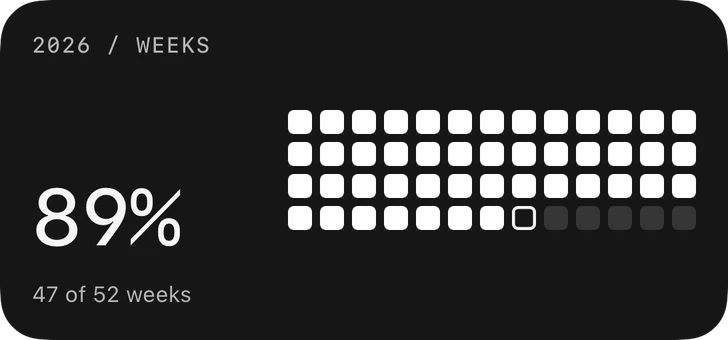
Year progress, countdowns, calendar, weather, steps, quotes, clocks, a word of the day and a daily overview. Pick a style, make the colors yours.
Coming this winter. Free to try. Requires iOS 26.6 or later.
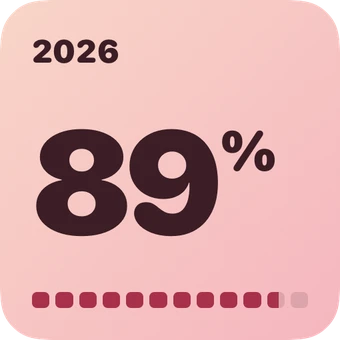
Watch the year go by.
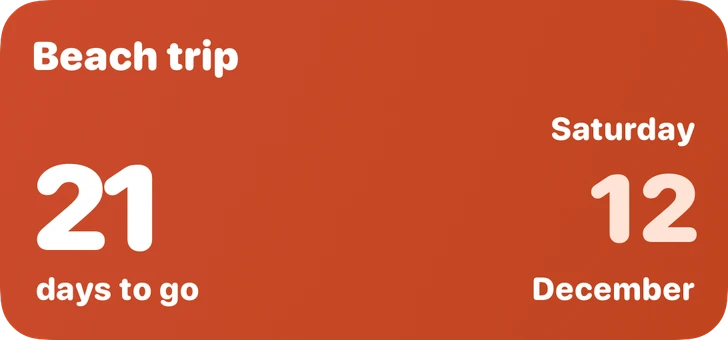
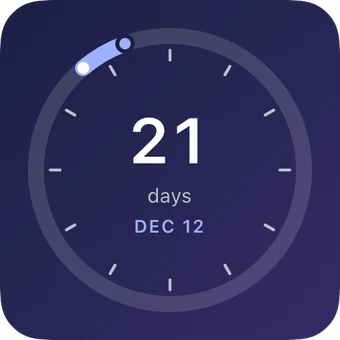
6 styles →Count down to what matters.
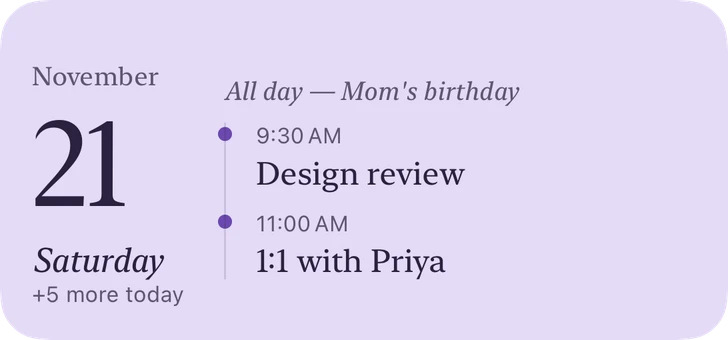
6 styles →What's next, at a glance.
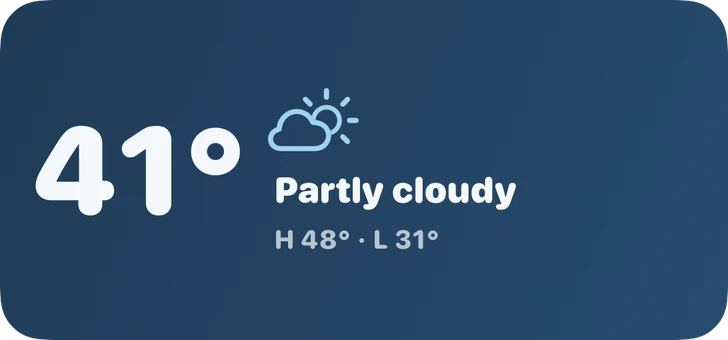
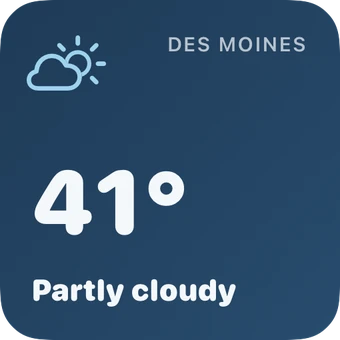
4 styles →Today's sky, beautifully.
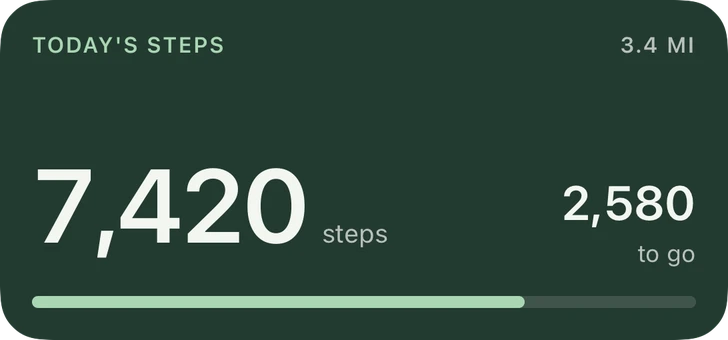
4 styles →Every step, gently counted.
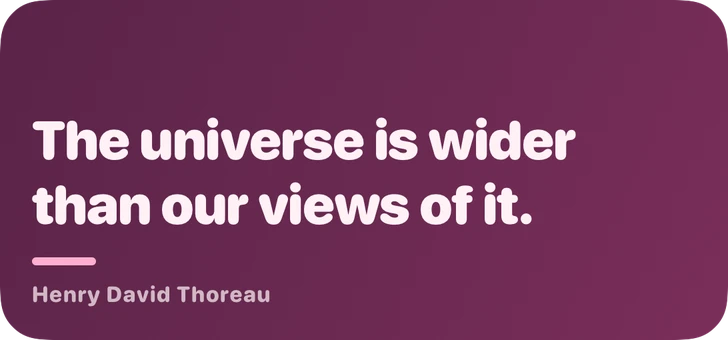
5 styles →Words worth keeping.
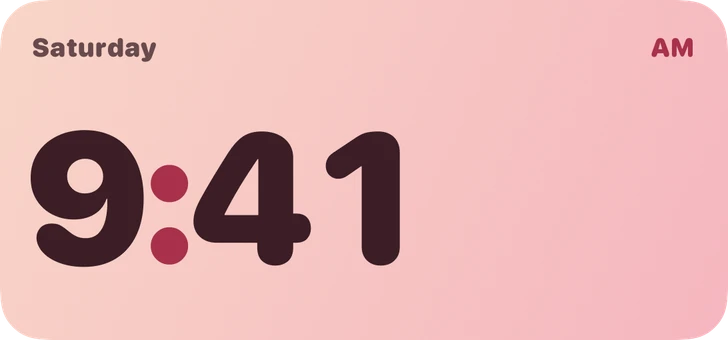
4 styles →Time, told your way.
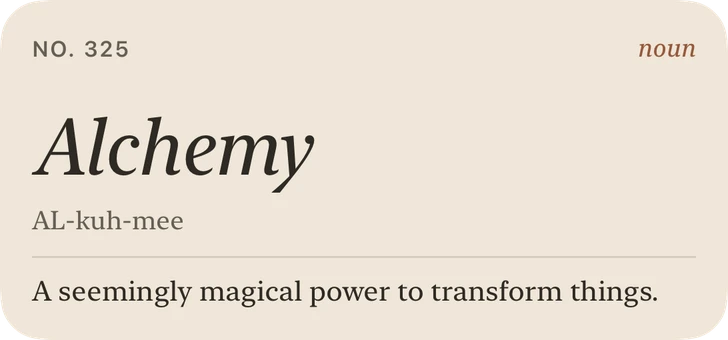
6 styles →One good word a day.
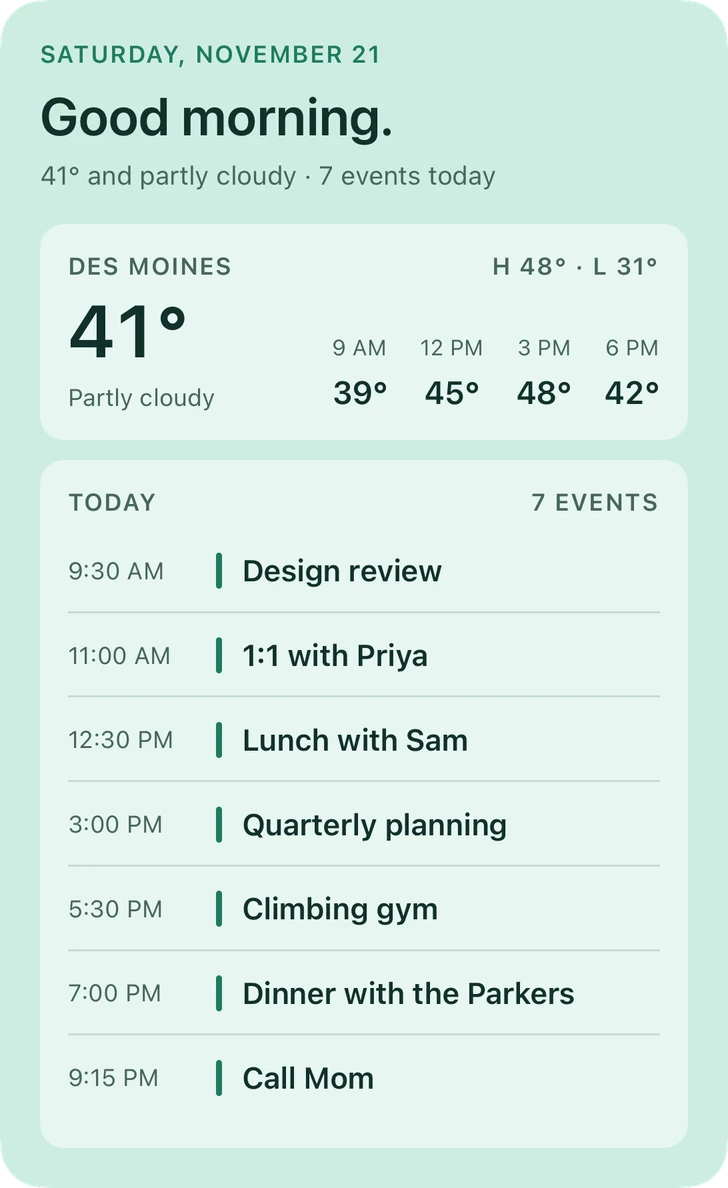
5 styles →Your whole day, one widget.
3 styles →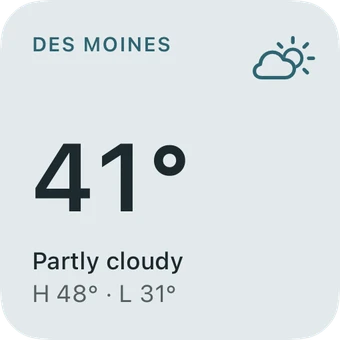
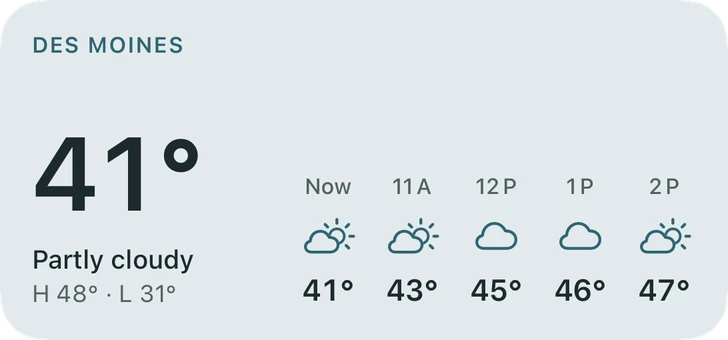
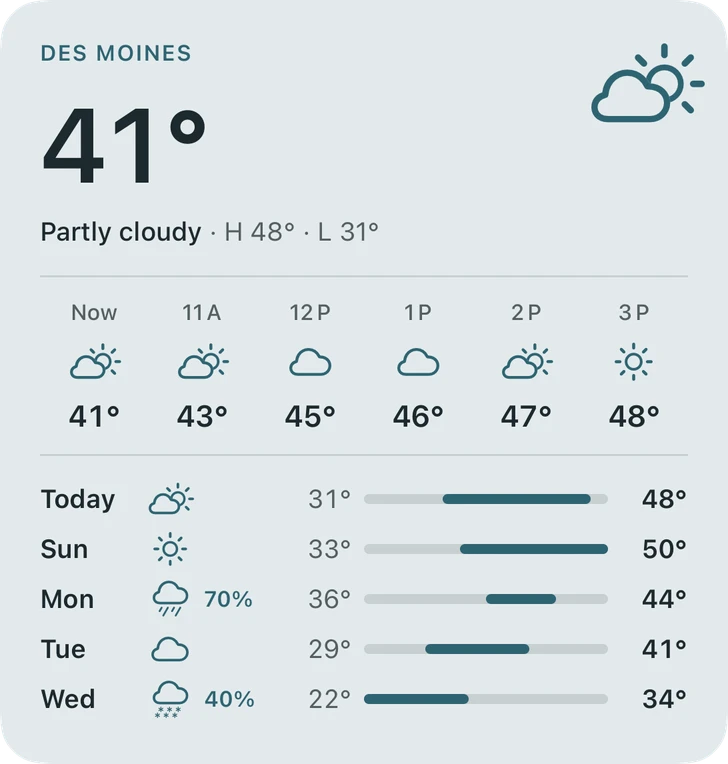
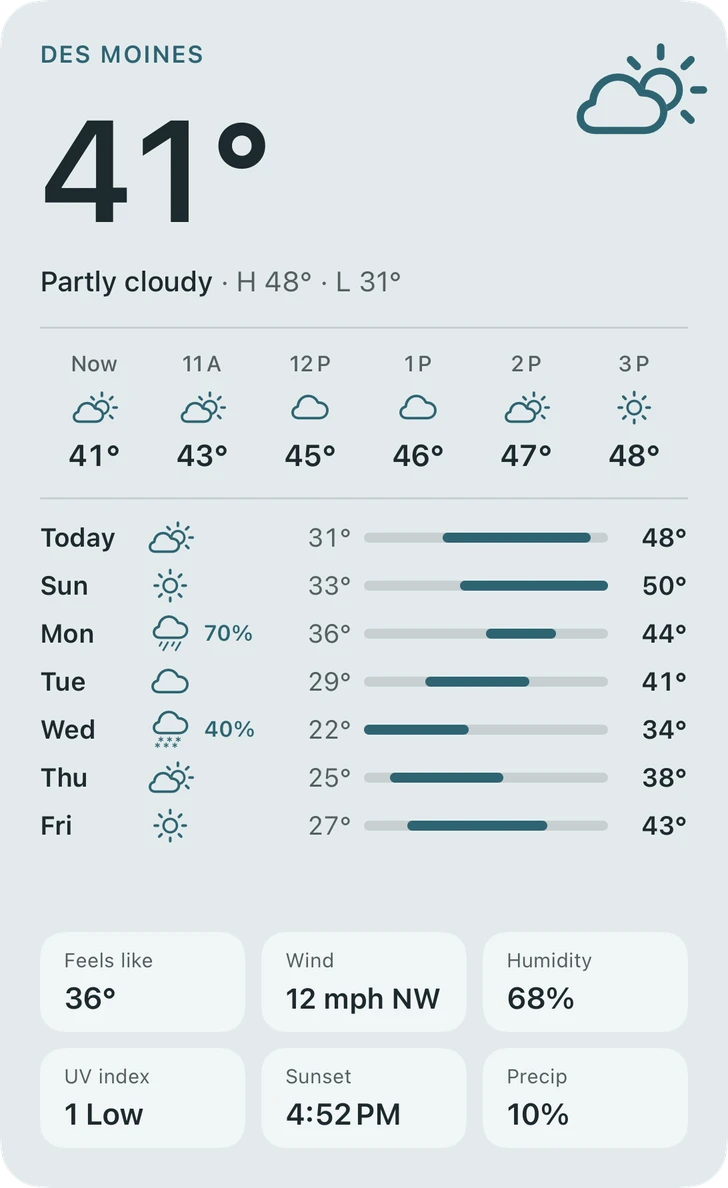
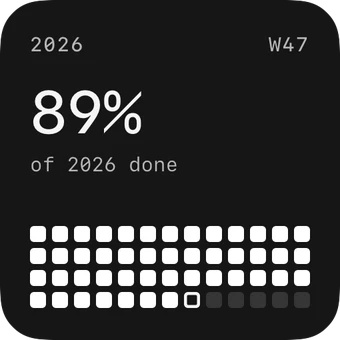
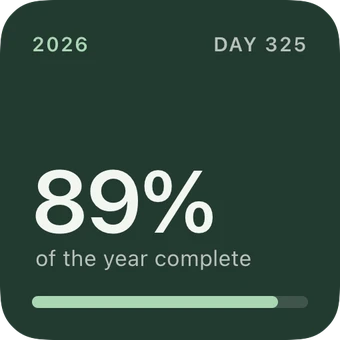
Every widget comes in a family of styles. Change the style and your content comes with it; change the colors and every style follows.
12 palettes, or your own colors. Save the ones you love.
Holiday palettes show up for a few weeks around each one. Keep any you love and they stay all year.
Pick a widget and a style, then the colors. Every change shows live.
Touch and hold your Home Screen, tap Edit, then Add Widget, and choose glanceful.
Touch and hold the widget, tap Edit Widget and choose what you saved.
Small, Medium and Large, in light, dark, clear or tinted. The everyday home for your widgets.
Charging on its side, your iPhone shows Small widgets big and bright on black, readable from across the room.
Small widgets sit right in HomeView's Home Screen grid next to your apps, or on the shared Modular face.
Your iPhone's widgets can sit on your Mac desktop and in Notification Center, no Mac app needed.
$0
$3.99 once
Your designs live on your iPhone. Calendar, Health and Location are asked for only when a widget needs them, and only to draw that widget. Read the privacy policy.
Yes. Make up to 3 widgets free, in every style and palette. One purchase unlocks the rest.
Unlimited widgets, Weather and Daily Overview, and every premium widget and style we add later. It’s yours to keep.
No. It’s one purchase, and you can restore it on any iPhone signed in to the same Apple Account.
Weather is the one widget that costs us to run: every forecast is a request to Apple Weather. Keeping it in the unlock keeps glanceful free of subscriptions and ads.
No. Your widgets and settings live on your iPhone.
Any iPhone running iOS 26.6 or later. Daily Overview uses the Extra Large widget size, which needs iOS 27.
Yes. Small widgets show on HomeView and in StandBy, and your iPhone’s widgets can sit on your Mac desktop.
To read today's step count for the widget. glanceful only reads steps and never writes to Health.
Only to draw those widgets: your events for Calendar, your location for local weather. Nothing is asked for until you add a widget that needs it.
Visit Support or email [email protected].
Free for up to 3 widgets. One purchase unlocks everything.
 glanceful
 glanceful