Countdown
Count down to what matters.
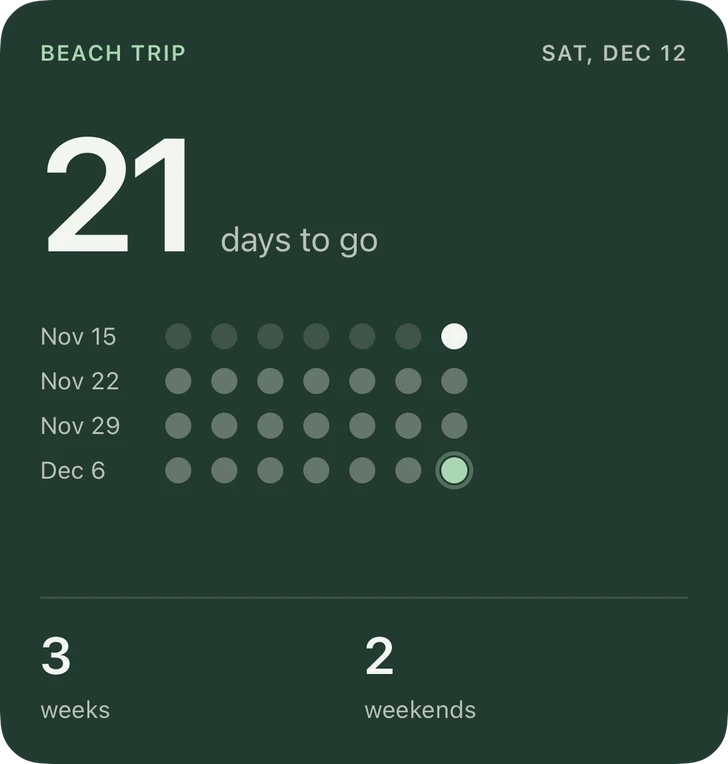
A trip, a birthday, a launch, the last day of school. Name it, pick the date, and watch the days, weeks and weekends tick down.
Requires iOS 26.6 or later.
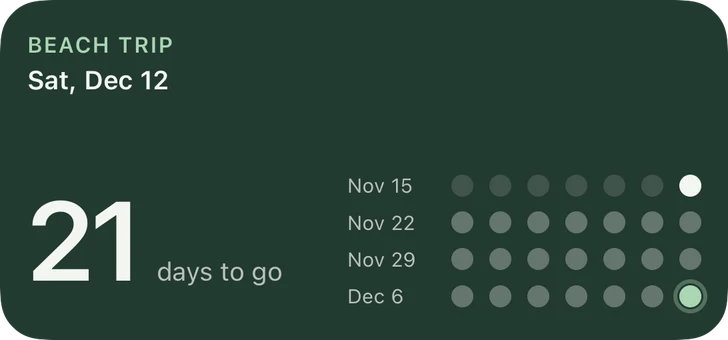
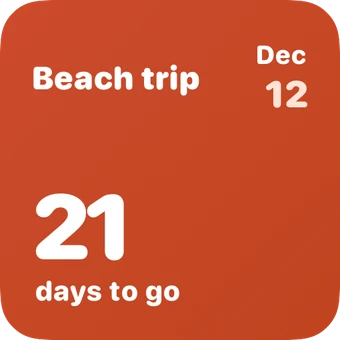
6 styles, one widget.
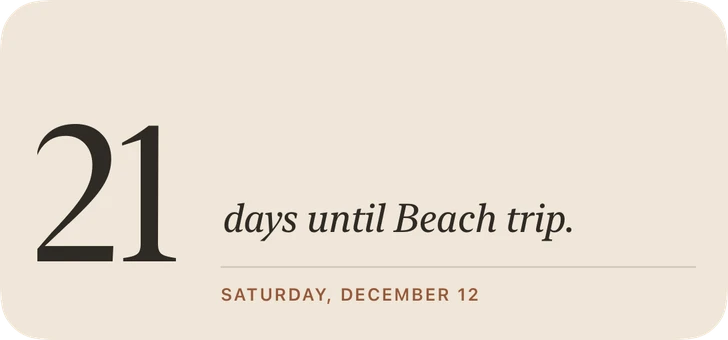
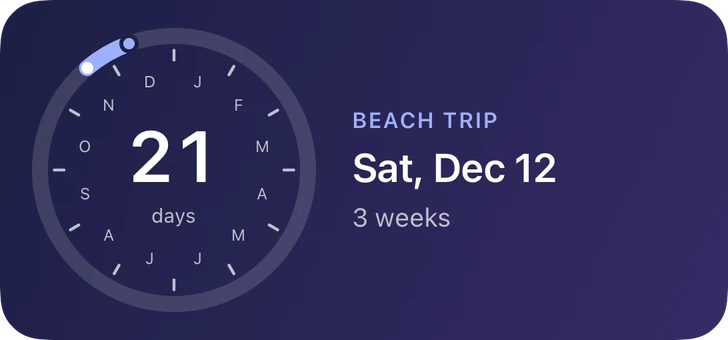
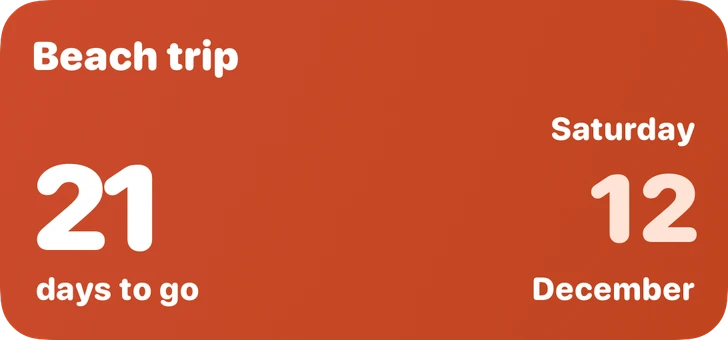
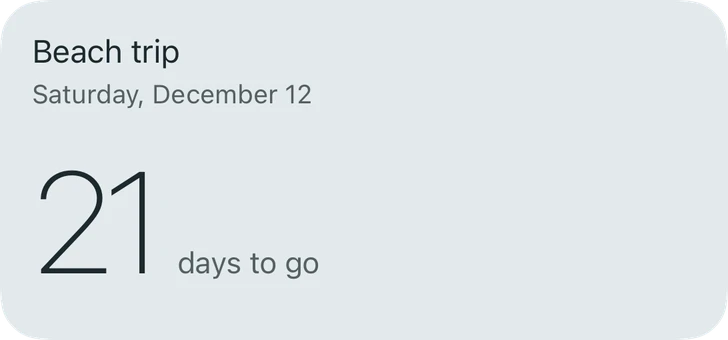
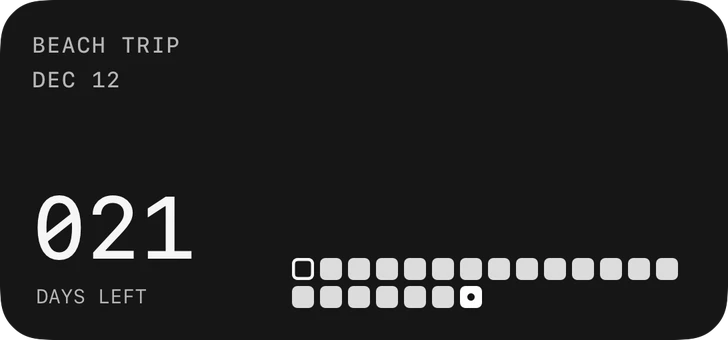
Every size, its own layout.
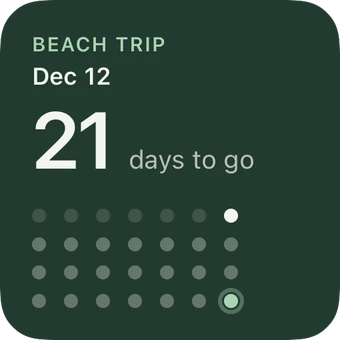
Your colors.
Every style above comes in twelve palettes, or your own colors. Save the ones you love and use them on any widget.
Good to know
Can I have more than one countdown?
Yes. Save as many as you like and give each widget its own.
What happens when the day arrives?
The day before says "Tomorrow", and on the day it says "Today" with the colors flipped to celebrate (you can turn that off). After that it counts the days since, until you pick a new date.
Can it show progress?
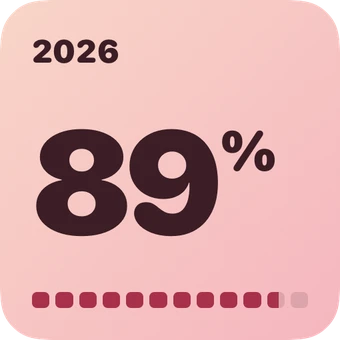
If you want it. Turn on Show Progress and pick when you started counting: Classic and Bold add a bar, Orbit starts its arc there, and Mosaic dims the squares already behind you.
Something else?
See Support or email [email protected].
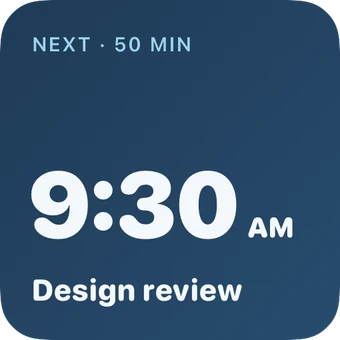
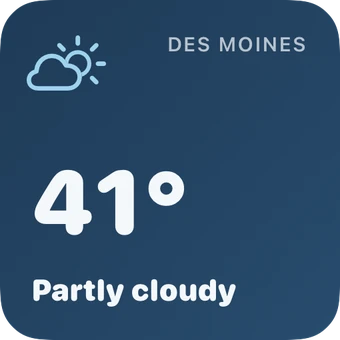

Make your Home Screen yours.
Free for up to 3 widgets. One purchase unlocks everything.