Daily Steps
Every step, gently counted.
Today's steps from Apple Health against a goal you set, with your week and your day hour by hour in the bigger sizes.
Coming soon to theApp Store
Requires iOS 26.6 or later.
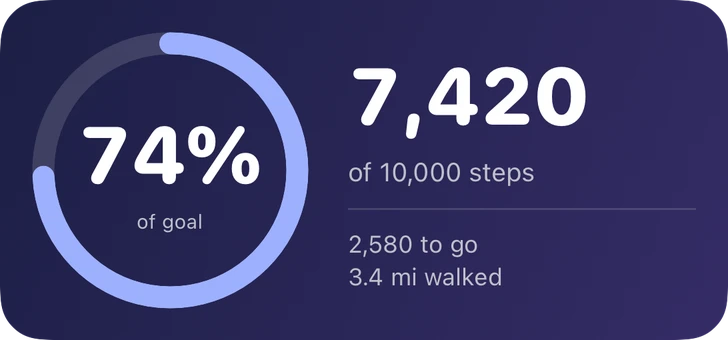
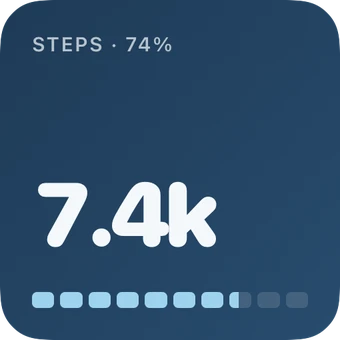
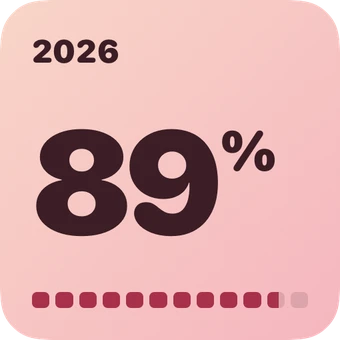
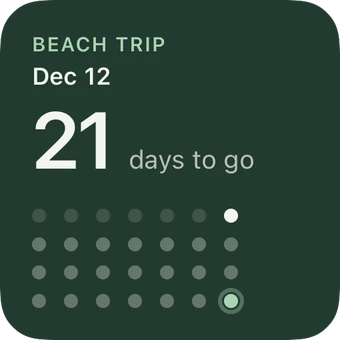
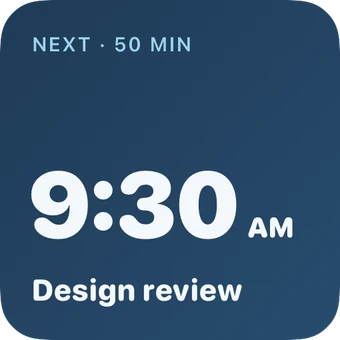
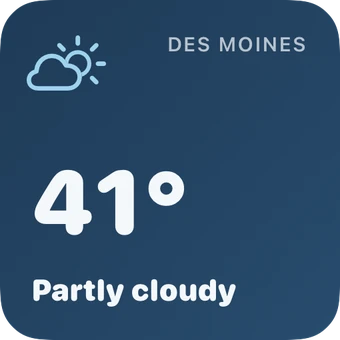
5 styles, one widget.
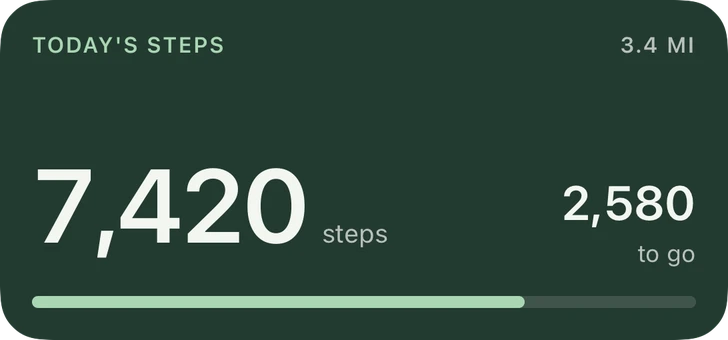
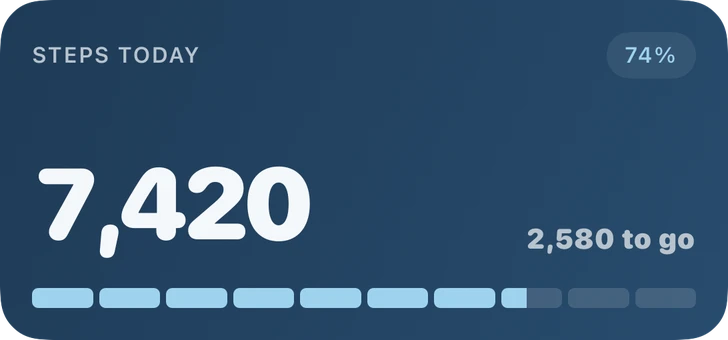
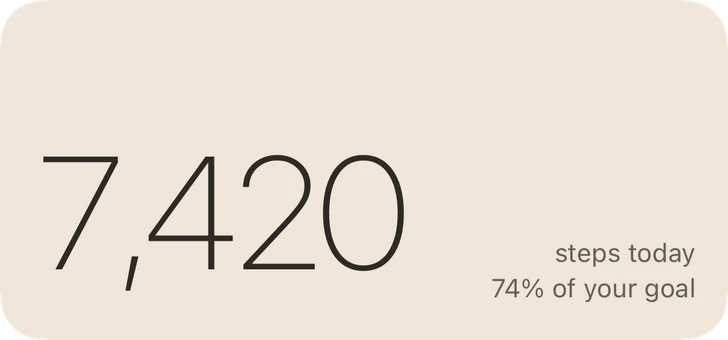
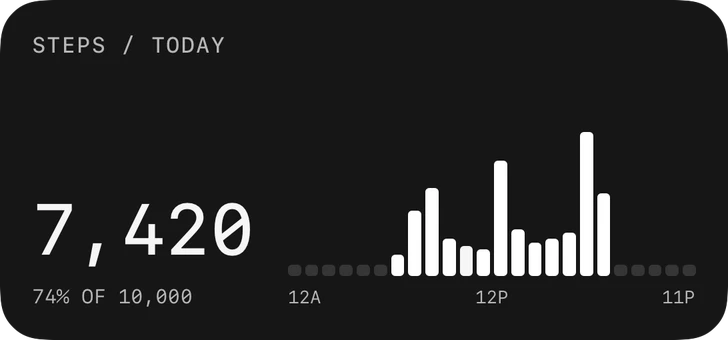
Every size, its own layout.
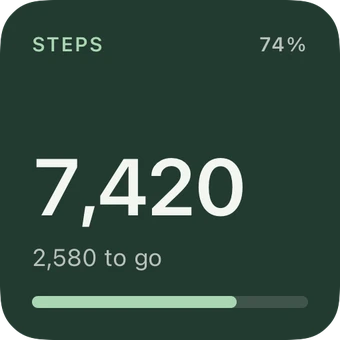
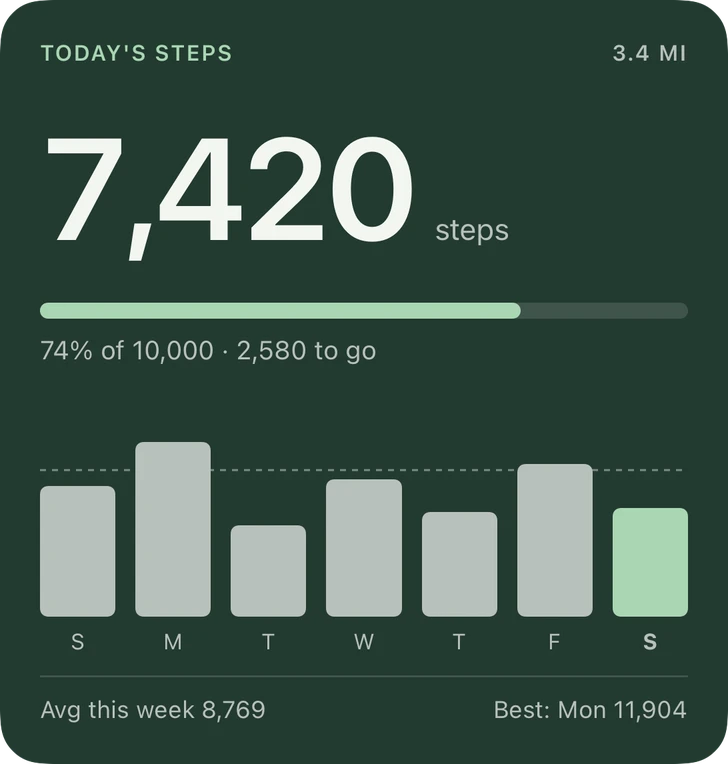
Your colors.
Every style above comes in twelve palettes, or your own colors. Save the ones you love and use them on any widget.
Good to know
Where do the steps come from?
Apple Health, from your iPhone and a paired Apple Watch. glanceful only reads your step count and never writes to Health.
Can I change my goal?
Yes. Set any daily goal; 10,000 is just where it starts.
Why is my count behind?
iOS refreshes widgets on its own schedule, and Health can’t be read while your iPhone is locked. Opening glanceful brings your count up to date right away.
Something else?
See Support or email [email protected].

Make your Home Screen yours.
Free for up to 3 widgets. One purchase unlocks everything.